
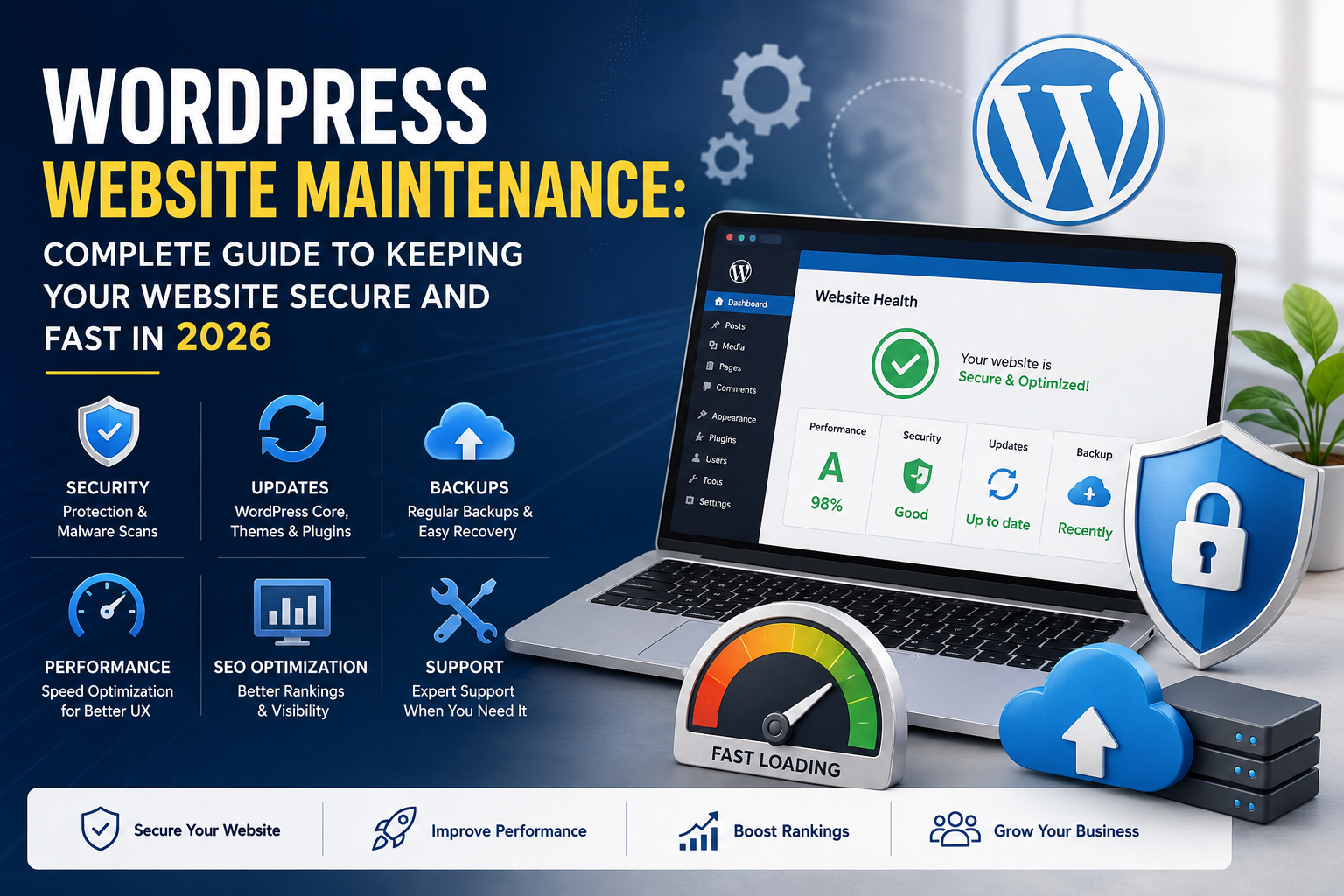
WordPress Website Maintenance is essential for keeping your website secure, fast, and performing at its best in 2026. A website requires regular updates, security checks, backups, and performance optimization to deliver a smooth experience for visitors. Without proper WordPress maintenance, websites can become slow, vulnerable, and outdated, affecting SEO rankings and business growth.
What Is WordPress Website Maintenance?
WordPress Website Maintenance is the process of regularly managing, updating, securing, and optimizing a WordPress website to ensure it works efficiently.
A proper maintenance plan includes:
- WordPress core updates
- Theme and plugin updates
- Website backups
- Security monitoring
- Performance optimization
- Database cleanup
- Broken link checks
- Malware protection
- Technical troubleshooting
Without regular maintenance, even a professionally designed website can become slow, vulnerable, and outdated over time.
Why WordPress Website Maintenance Is Important in 2026
Modern websites face constant challenges, including security threats, changing technologies, and increasing user expectations. Regular maintenance helps businesses stay competitive.
1. Improves Website Security
Security is one of the biggest reasons businesses need professional WordPress Website Security Maintenance.
WordPress powers millions of websites worldwide, making it a common target for hackers. Outdated plugins, themes, and WordPress versions can create security risks.
Regular security maintenance includes:
- Updating WordPress core files
- Removing vulnerable plugins
- Monitoring suspicious activity
- Installing security solutions
- Protecting login areas
- Regular malware scanning
A secure website protects your business information, customer data, and online reputation.
2. Keeps Your Website Fast and Optimized
Website speed directly affects user experience and search engine rankings. Visitors expect websites to load quickly, especially on mobile devices.
Through WordPress Performance Optimization, maintenance experts improve website speed by:
- Optimizing images
- Cleaning unnecessary database records
- Improving caching configuration
- Reducing unused scripts
- Optimizing plugins
- Improving server performance
A faster website helps reduce bounce rates and creates a better experience for visitors.
You can also check your website performance using tools like Google PageSpeed Insights to identify speed issues.
3. Regular WordPress Updates
Keeping your website updated is one of the most important parts of WordPress Website Maintenance.
Updates are released regularly to improve:
- Security
- Compatibility
- Performance
- New features
- Bug fixes
A professional maintenance process includes testing updates before applying them to avoid conflicts between WordPress, themes, and plugins.
4. Website Backup and Recovery
A reliable backup system is essential for every website.
Unexpected problems can happen because of:
- Server failures
- Security attacks
- Plugin conflicts
- Human mistakes
- Failed updates
Professional WordPress Backup and Security services ensure your website can be restored quickly if something goes wrong.
A good backup strategy includes:
- Regular automated backups
- Database backups
- Website file backups
- Secure backup storage
- Recovery testing
5. Improves SEO Performance
Many business owners focus only on creating content but ignore technical website health.
Regular WordPress Website Optimization helps maintain SEO performance by:
- Fixing broken links
- Improving website speed
- Maintaining mobile responsiveness
- Removing technical errors
- Keeping plugins updated
A well-maintained website provides better signals to search engines and improves the overall user experience.
Essential WordPress Website Maintenance Checklist
A professional maintenance routine should include:
✅ Update WordPress core
✅ Update themes and plugins
✅ Check website security
✅ Monitor uptime
✅ Optimize database
✅ Review website speed
✅ Backup website regularly
✅ Check forms and functionality
✅ Fix broken links
✅ Review SEO performance
Following this checklist helps keep your website stable and performing well.
Why Choose Professional WordPress Maintenance Services?
Managing a website requires technical knowledge, time, and continuous monitoring. Professional WordPress Maintenance Services allow businesses to focus on their core operations while experts handle technical tasks.
Benefits include:
- Improved website security
- Faster loading speed
- Reduced downtime
- Better website performance
- Regular updates
- Expert technical support
- Long-term website reliability
Instead of waiting for problems to happen, proactive maintenance helps identify and fix issues before they impact your customers.
WordPress Website Maintenance for Business Growth
A professional website represents your brand online. If your website is slow, outdated, or unavailable, customers may lose trust and choose competitors.
Regular WordPress Website Support ensures your website remains:
- Secure
- Fast
- Updated
- User-friendly
- Search-engine friendly
Whether you operate a small business website, WooCommerce store, or enterprise platform, ongoing maintenance is essential for long-term success.
Conclusion
WordPress Website Maintenance is a critical investment for businesses that want a secure, fast, and reliable online presence in 2026.
From security monitoring and updates to speed optimization and backups, regular maintenance keeps your website performing at its best.
A professionally maintained WordPress website not only improves user experience but also supports better SEO performance, customer trust, and business growth.
Regular WordPress Website Maintenance helps businesses maintain a secure, fast, and reliable online presence.