
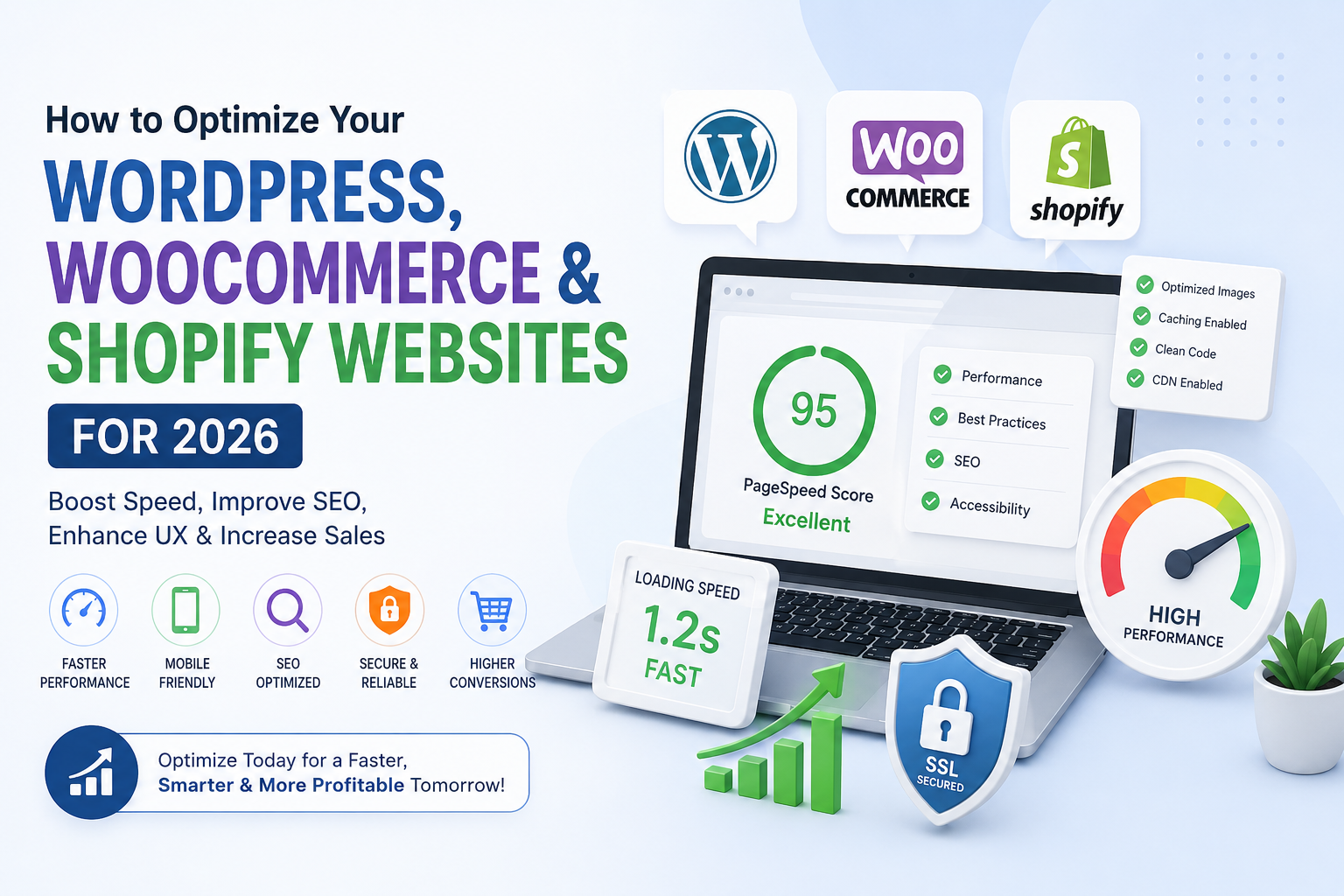
In 2026, website performance, user experience, and search engine optimization (SEO) remain critical for businesses running WordPress, WooCommerce, and Shopify websites. A slow-loading or poorly optimized website can hurt conversions, reduce customer engagement, and negatively impact search rankings. This guide shares actionable steps to optimize your website effectively and stay ahead of the competition.
1. Optimize Website Speed
Website speed is a major factor for both user experience and SEO. Tools like Google PageSpeed Insights and GTmetrix can analyze your WordPress, WooCommerce, or Shopify website to highlight performance bottlenecks. Common optimizations include:
- Compressing images without losing quality
- Implementing caching solutions
- Minimizing CSS, JavaScript, and HTML
- Using Content Delivery Networks (CDNs)
Faster websites reduce bounce rates, improve customer satisfaction, and contribute to higher search engine rankings.
2. Mobile Responsiveness
With mobile traffic surpassing desktop, having a responsive website is non-negotiable. Ensure your WordPress, WooCommerce, or Shopify store:
- Adjusts automatically to screen sizes
- Uses mobile-friendly fonts and buttons
- Loads quickly on 3G/4G networks
Google prioritizes mobile-friendly websites in search results, making this a key SEO factor.
3. Optimize Images and Media
Large media files slow down websites. To optimize:
- Resize images to display dimensions
- Use WebP format for faster load times
- Implement lazy loading for images and videos
Optimized media reduces page load times, improving both user experience and SEO rankings.
4. SEO Best Practices
SEO for WordPress, WooCommerce, and Shopify involves on-page, off-page, and technical SEO strategies:
- Include target keywords in titles, headings, and meta descriptions
- Use internal linking to guide visitors through your site
- Add alt text for images to improve accessibility and ranking
- Generate XML sitemaps and submit to Google Search Console
Proper SEO ensures your website ranks higher, drives organic traffic, and reaches potential customers effectively.
5. Secure Your Website
Website security impacts SEO and user trust. Ensure your site has:
- SSL certificate (HTTPS)
- Updated plugins and themes
- Strong passwords and two-factor authentication
- Regular backups
A secure WooCommerce or Shopify store prevents data breaches and maintains credibility with customers and search engines.
6. Streamline Checkout and Navigation
For WooCommerce and Shopify stores, reducing friction in navigation and checkout is crucial:
- Simplify menus and categories
- Implement one-page or simplified checkout processes
- Offer multiple payment options
Improved usability keeps visitors engaged, reduces cart abandonment, and boosts sales.
7. Regular Maintenance and Updates
Optimization is an ongoing process. Schedule regular maintenance to:
- Update WordPress, WooCommerce, or Shopify core files
- Review and remove unused plugins or apps
- Check for broken links and 404 errors
- Monitor site speed and SEO performance
Ongoing optimization keeps your website fast, secure, and search engine-friendly.
8. Monitor Analytics and Performance
Use tools like Google Analytics, Search Console, and Shopify Analytics to track:
- Visitor behavior and engagement
- Conversion rates and sales trends
- Page Speed performance and load times
Data-driven decisions help you continuously improve your website for better user experience and higher SEO rankings.
Conclusion
Optimizing your WordPress, WooCommerce, and Shopify websites in 2026 requires a mix of speed enhancements, mobile responsiveness, SEO strategies, and security measures. By following these best practices, you can deliver a fast, secure, and user-friendly website that ranks well in search engines, increases customer engagement, and drives business growth.