
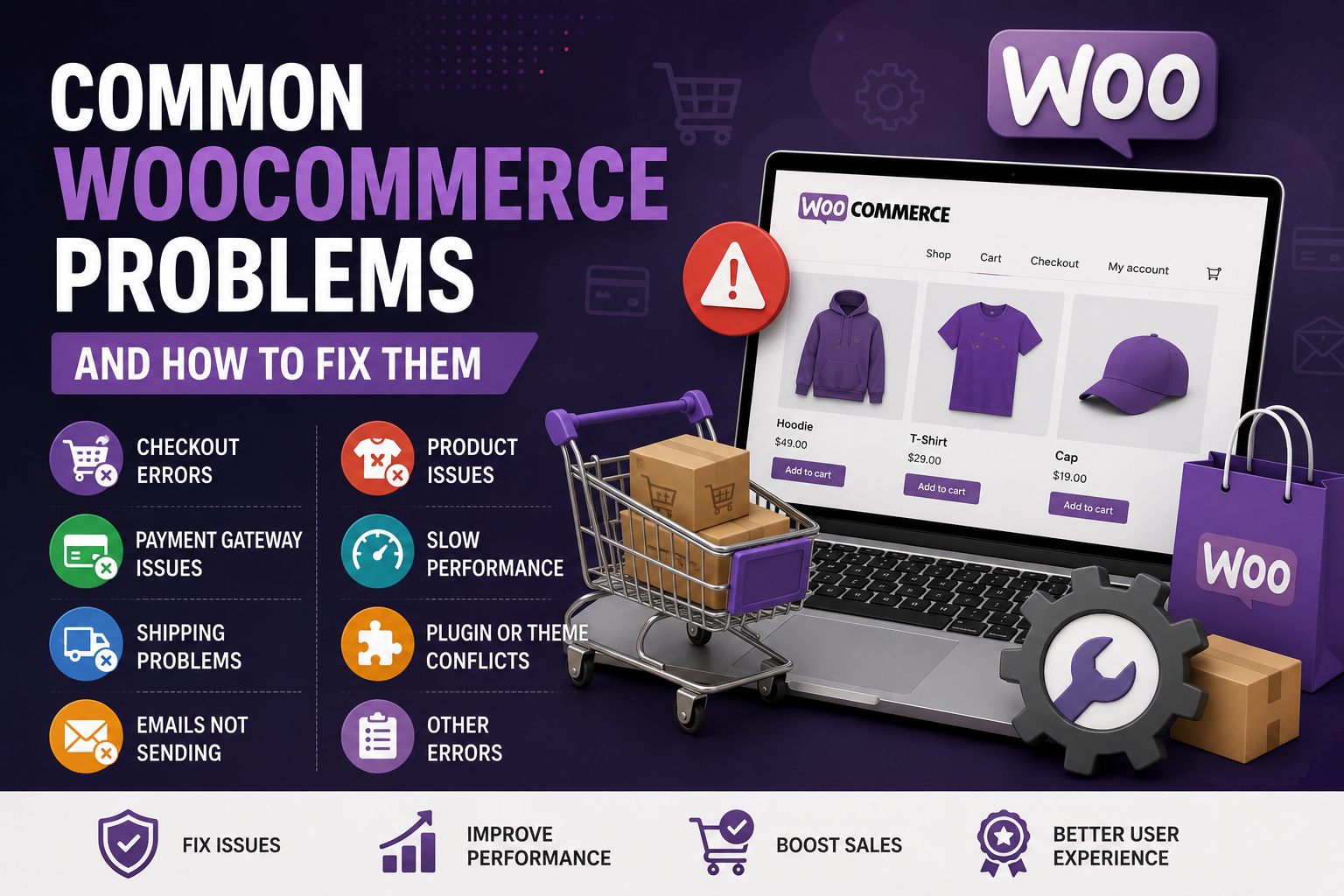
Common WooCommerce problems can damage sales and frustrate customers. Products, payments, shipping, emails, plugins, and hosting must work together. When one part fails, customers may see errors, abandon their carts, or lose confidence in the store.
Most issues can be fixed without rebuilding the entire website. The key is to identify the cause instead of installing more plugins and hoping the issue disappears. Below are eight common problems and practical fixes.
1. Products Are Not Showing in the Shop
A product may be published but still missing from the shop page. This often happens because catalog visibility is incorrect, the item is out of stock, or the shop page has not been assigned properly.
Open the product and check its visibility, stock status, category, and publish status. Then confirm that the correct shop page is selected in WooCommerce settings. Clear the website cache after making changes. WooCommerce provides separate settings for managing product visibility, inventory, categories, and other product details.
2. The Checkout Page Is Not Working
A broken checkout can stop sales completely. Customers may face endless loading, missing fields, payment errors, or a page that refreshes without placing the order.
Test the checkout in a private browser window. Temporarily disable recently added plugins and switch to a default WooCommerce-compatible theme to check for conflicts. Confirm that the cart, checkout, and account pages are assigned correctly.
WooCommerce also recommends reviewing the payment method and order status when troubleshooting failed or incomplete orders.
Open the product and check its visibility, stock status, category, and publish status. Then confirm that the correct shop page is selected in WooCommerce settings. Clear the website cache after making changes. WooCommerce provides separate settings for managing product visibility, inventory, categories, and other product details.
3. Payment Gateway Errors
Payment failures are often caused by incorrect API keys, test mode settings, unsupported currencies, expired credentials, or plugin conflicts.
Review the gateway settings carefully. Confirm whether the store is in live or test mode and make sure the correct credentials are being used. Check that SSL is active and the website uses HTTPS. Place a small test order before considering the problem solved.
Payment providers can be reviewed and configured from the WooCommerce payment settings.
4. Shipping Options Are Missing
Customers may reach checkout and see that no shipping methods are available. This usually means the shipping zone does not match the customer’s address, the method has not been added, or the product has missing weight and dimensions.
Review shipping zones carefully. Add the correct method to each zone and test with a real delivery address. For calculated shipping, confirm that product measurements and carrier settings are complete.
WooCommerce matches customers with shipping zones according to their delivery address and the order of the configured zones.
5. WooCommerce Emails Are Not Being Delivered
Order confirmations, password resets, and admin notifications may fail even though the order is created successfully.
Review the WooCommerce email settings and verify the recipient addresses. Use a reliable SMTP service instead of depending only on basic server mail. Send a test message, check email logs, and review spam folders.
WooCommerce email settings can be found under WooCommerce → Settings → Emails.
6. Product Variations Are Not Working
Variable products may show missing prices, unavailable combinations, or images that do not change when a customer selects an option.
Make sure every required variation has a price, stock status, and valid attributes. Use the same attribute terms consistently and remove combinations that are not sold. Very large variation sets can affect performance, so keep the setup simple.
7. The WooCommerce Store Is Slow
WooCommerce pages perform more database work than a basic website, especially on cart, checkout, and account pages. Slow hosting, oversized images, heavy themes, and too many plugins can make the problem worse.
Compress product images, remove unused extensions, and use reliable hosting. Configure caching carefully because cart and checkout pages should not be cached like normal content pages. These pages contain changing, customer-specific information.
8. Plugin or Theme Conflicts
Many WooCommerce problems begin after an update. A payment method, checkout field, product layout, or cart feature may suddenly stop working.
Create a full backup before troubleshooting. Disable non-essential plugins and test again. When the issue disappears, reactivate them one at a time. You can also switch temporarily to a compatible theme. Use a staging copy whenever possible.
WooCommerce’s official conflict-testing process also recommends creating a backup and testing themes and plugins systematically.
How to Troubleshoot Common WooCommerce Problems Safely
Do not change several settings at the same time. That makes it difficult to know what actually fixed the issue.
Start with a backup, reproduce the error, check recent updates, review logs, and test one change at a time. For an active store, use a staging website so customers are not affected.
You can also review the official WooCommerce documentation when checking store settings, payments, shipping, or product configuration.
Need help improving your online store? Explore my WooCommerce development services, review my website speed optimization services, or request technical support for a store-specific issue.
Final Thoughts
Most common WooCommerce problems come from configuration mistakes, outdated software, incompatible plugins, weak hosting, or incomplete product data. Another plugin is not always the answer. In many cases, careful testing and a cleaner setup produce better results.
Regular updates, backups, checkout testing, email monitoring, and performance reviews can prevent small issues from becoming lost sales. A WooCommerce store should be treated as an active business system, not a website that is finished once it goes live.